

Store & App Distribution
When your product ships as a native app, Backbuild’s store management handles the publishing side: connecting your developer accounts on the major app stores, maintaining the listings shoppers see, declaring the ratings and compliance metadata each store demands, completing any required identity verification, and tracking each submission through review. You manage all of it per SaaS package and per platform, so a single product can target iOS, Android, Windows, and macOS from one place.
Pro Store management is part of the SaaS Builder, included with Backbuild Pro. See pricing.
The pieces
Store management is organized into a few related resources, each scoped to a package and a platform:
| Resource | What it is |
|---|---|
| Store account | The connection to your developer account on a store (App Store Connect, Google Play Console, or Microsoft Partner Center). |
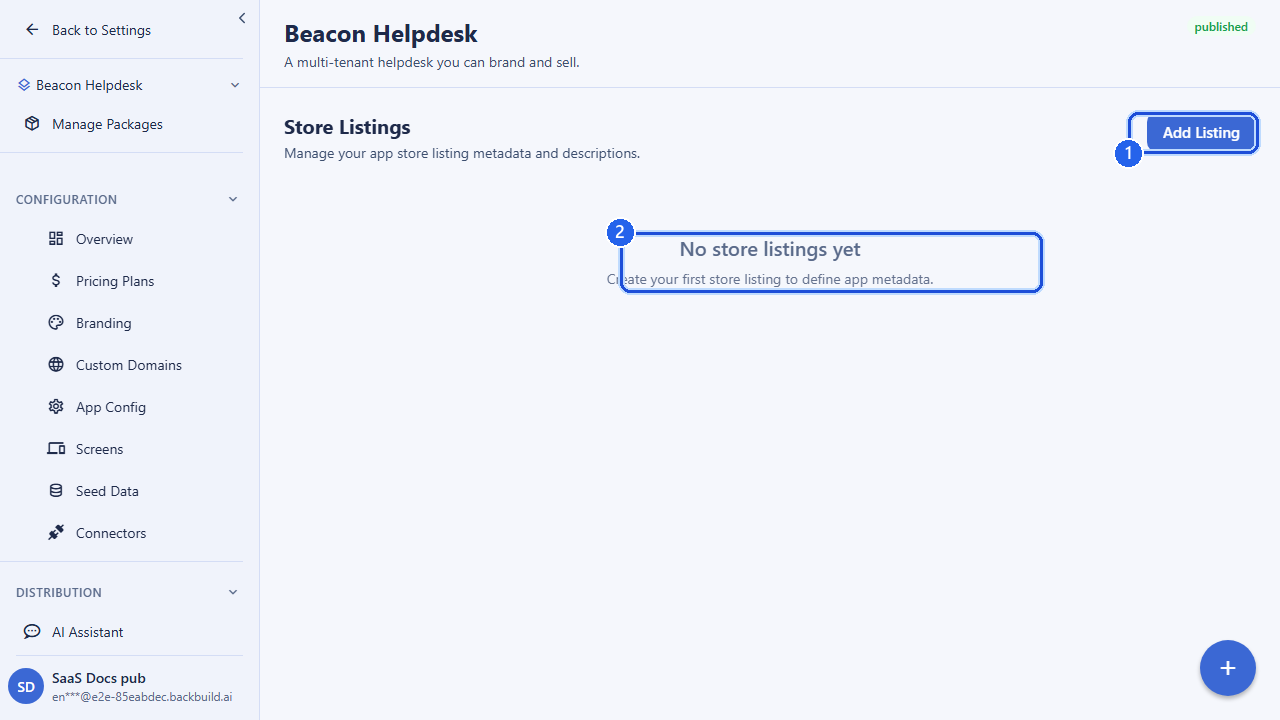
| Store listing | The marketing metadata for one platform and locale: title, descriptions, keywords, categories, screenshots, and policy links. |
| Age rating | The content rating and data-safety declarations a store requires before it will accept your app. |
| Compliance check | A pre-submission validation that catches missing or invalid metadata before you submit. |
| KYC verification | Identity / business verification some stores require of the publishing developer. |
| Store submission | A record of a build pushed to a store for review, with its current status. |
The supported platforms are ios, android,
windows, and macos.
Store accounts
A store account links one of your SaaS packages to a developer account on a specific store. You create one per platform/store you intend to publish to.
| Field | Description |
|---|---|
saas_package_id | The package this account publishes. Required. |
platform | ios, android, windows, or macos. Required. |
account_type | apple_app_store_connect, google_play_console, or microsoft_partner_center. Required. |
credentials_secret_id | A reference to the stored, encrypted store credentials. You hold the secret; you pass only its identifier. Required. |
external_account_id | Optional. The account identifier the store assigns you. |
external_app_id | Optional. The store-side application identifier. |
auto_submit | Optional. Whether builds should be submitted automatically. |
Store credentials are never sent inline through this API. You store
them as a secret and reference them by credentials_secret_id, so
raw keys and certificates stay out of request bodies. A store account moves
through a small set of statuses as you confirm the connection works:
pending_validation, valid, invalid,
expired, or revoked. The validate endpoint records
the outcome of checking the connection (and an optional validation error
message). You can list, fetch, update, and delete accounts as your store
relationships change.
Store listings
A listing is the store-facing presentation of your app for one platform and
one locale. You provide the same marketing assets each store asks for; the
optional locale lets you maintain localized listings for the
same app.
| Field | Description |
|---|---|
app_title | The app’s display name. Required. |
short_description / full_description | The store blurb and long description. |
keywords | Search keywords (where the store supports them). |
category_primary / category_secondary | Store categories. |
screenshot_urls, feature_graphic_url, promo_video_url | Visual assets. |
privacy_policy_url, terms_of_service_url, support_url, support_email | Required policy and support links. |
platform_metadata | Free-form, platform-specific extra fields. |
Listings are tied to a store account (store_account_id) and a
platform. Free-form text on a listing (title, descriptions, keywords)
is screened for prohibited content on both create and update before it
is saved, since this text flows into public store surfaces. You can list,
fetch, and update listings.
Age ratings & data safety
Every store requires you to declare your app’s content rating and a set of data-safety and compliance attributes before it will accept a submission. You record these per package and platform.
| Field | Description |
|---|---|
age_rating | The rating value for the platform’s rating system. Required. |
content_descriptors | The content factors behind the rating (violence, language, etc.). |
is_directed_at_children | Whether the app targets children (drives extra store requirements). |
has_user_generated_content, has_in_app_purchases, has_ads, has_gambling | Behavioral declarations the stores ask for. |
privacy_policy_url | The privacy policy backing your data declarations. |
data_collection_declaration | What data your app collects (the “data safety” / “privacy nutrition label” declaration). |
export_compliance | Encryption / export-compliance declaration. |
eu_trader_status | EU trader-status declaration (DSA). |
You can create an age rating, fetch the ratings for a package (optionally filtered by platform), and update one as your declarations change.
Compliance checks
Store reviews are slow and rejections are expensive, so Backbuild lets you validate readiness before you submit. Two checks are available:
- Pre-submission check. A stateless validation of a build’s declared attributes against the target store’s requirements: signing, bundle identifier, declared permissions and entitlements, a privacy-policy URL, export-compliance and encryption declarations, age-rating completion, target API level, data-safety completion, and privacy-label setup. It returns the issues that would block the submission so you can fix them first.
- Package compliance check. A check run against a package and platform that records the compliance result for the submission pipeline.
Run the pre-submission check whenever your build or declarations change; treat a clean result as the gate for submitting.
KYC verification
Some stores require the publishing developer to complete identity or business verification (KYC). Backbuild tracks this per package: you open a verification session against a verifying user, naming the verification level, the provider, and any external verification identifier. You can then check the verification status and check the KYC requirements for a package (whether verification is needed and what level), so you know what is outstanding before you publish.
Submissions
A submission records a build sent to a store for review. You can list
submissions (filtered by package, account, platform, or status), fetch a
single submission, and poll its status. A submission moves through
draft, pending_review, in_review,
approved, rejected, and published. The
status endpoint returns the current state along with the store-side submission
identifier, so you can surface review progress to your team. Terminal states
are returned directly; non-terminal states reflect the latest known status.
How it fits together
A typical path to a published native app:
- Connect a store account for the platform and validate it.
- Create the store listing(s) for each platform and locale.
- Declare the age rating and data-safety attributes.
- Complete KYC if the store requires it.
- Run the pre-submission compliance check and resolve every issue.
- Submit and poll the submission until it is
published.
API reference
Every endpoint requires an authenticated session and the relevant store
permission (organization owners and admins hold these by default). The owning
organization is resolved from your session. Successful calls return a
{ "success": true, "data": ... } envelope. All endpoints
are mounted under /v1/store.
Store accounts
| Method & path | Description |
|---|---|
POST /v1/store/accounts | Create a store account. Body: saas_package_id, platform, account_type, credentials_secret_id, optional external_account_id, external_app_id, auto_submit. |
GET /v1/store/accounts | List accounts. Query: saas_package_id, platform, status, page, page_size. |
GET /v1/store/accounts/{accountId} | Get one account. |
PUT /v1/store/accounts/{accountId} | Update an account (at least one field). |
DELETE /v1/store/accounts/{accountId} | Delete an account. |
POST /v1/store/accounts/{accountId}/validate | Record validation status. Body: status, optional validation_error. |
Store listings
| Method & path | Description |
|---|---|
POST /v1/store/listings | Create a listing. Body: saas_package_id, store_account_id, platform, app_title, optional locale and marketing fields. |
GET /v1/store/listings | List listings. Query: saas_package_id, store_account_id, platform, locale, page, page_size. |
GET /v1/store/listings/{listingId} | Get one listing. |
PUT /v1/store/listings/{listingId} | Update a listing (at least one field). |
Age ratings
| Method & path | Description |
|---|---|
POST /v1/store/age-ratings | Create an age rating. Body: saas_package_id, platform, age_rating, plus the declaration fields. |
GET /v1/store/age-ratings?saas_package_id={id}&platform={platform} | Get age ratings for a package and platform. |
PUT /v1/store/age-ratings/{ratingId} | Update an age rating (at least one field). |
Compliance
| Method & path | Description |
|---|---|
POST /v1/store/submissions/compliance-check | Pre-submission validation. Body: platform, store (apple/google_play/microsoft), org_id, saas_package_id, plus the declared build attributes. Returns the blocking issues. |
POST /v1/store/compliance/check | Run a package compliance check. Body: saas_package_id, store_account_id, platform, optional build_id, listing_id, check_types, submission_metadata. |
KYC
| Method & path | Description |
|---|---|
POST /v1/store/kyc/sessions | Open a verification session. Body: saas_package_id, verified_user_id, verification_level, provider, optional external_verification_id. |
GET /v1/store/kyc/status?saas_package_id={id} | Get verification status for a package. |
GET /v1/store/kyc/requirements?saas_package_id={id} | Check whether KYC is required and at what level. |
Submissions
| Method & path | Description |
|---|---|
GET /v1/store/submissions | List submissions. Query: saas_package_id, store_account_id, platform, status, page, page_size. |
GET /v1/store/submissions/{submissionId} | Get one submission. |
GET /v1/store/submissions/{submissionId}/status | Poll the current submission status. |
Related
- Release Management & Distribution: versioned releases and signed desktop builds
- Marketplace: list your product on the Backbuild marketplace
- Custom Domains: serve your product on your own domain
- SaaS Builder overview
Frequently asked questions
- Which app stores can I publish to?
- Apple App Store, Google Play, and the Microsoft Store, configured per platform on your package.
- Are my store credentials safe?
- Yes. Store credentials are held by secure reference, never entered inline in a request, and an account’s validity is tracked and can be re-validated.
- Can I catch problems before I submit?
- Yes. A pre-submission compliance check returns any blocking issues so you can fix them before sending a build for review.
- What information do I have to declare?
- Age ratings and data-safety declarations (content descriptors, whether the app targets children, in-app purchases, ads, and your privacy policy) as each store requires.