

KYC & Approval Policies
Some products need a verification or approval step before something is allowed to happen: before an app can be distributed, before a restricted plan can be purchased, or before a change reaches your live tenants. Backbuild gives you three building blocks for this: app-store KYC (identity verification required to distribute a native app), eligibility verification (gating who is allowed to subscribe to a plan), and approval policies (requiring sign-off on changes before they ship).
Pro KYC and approval policies are part of the SaaS Builder, included with the Backbuild Pro build-and-ship platform. See pricing.
Three kinds of gate
| Gate | What it verifies | What it gates |
|---|---|---|
| App-store KYC | Your (or the seller’s) identity/business, as required by Apple, Google, or Microsoft | Distributing a native app to a store |
| Eligibility verification | That a buyer qualifies for a restricted plan (e.g. academic status) | Subscribing to an eligibility-checked plan |
| Approval policies | That a reviewer signed off on a proposed change | A change reaching your live product |
App-store KYC
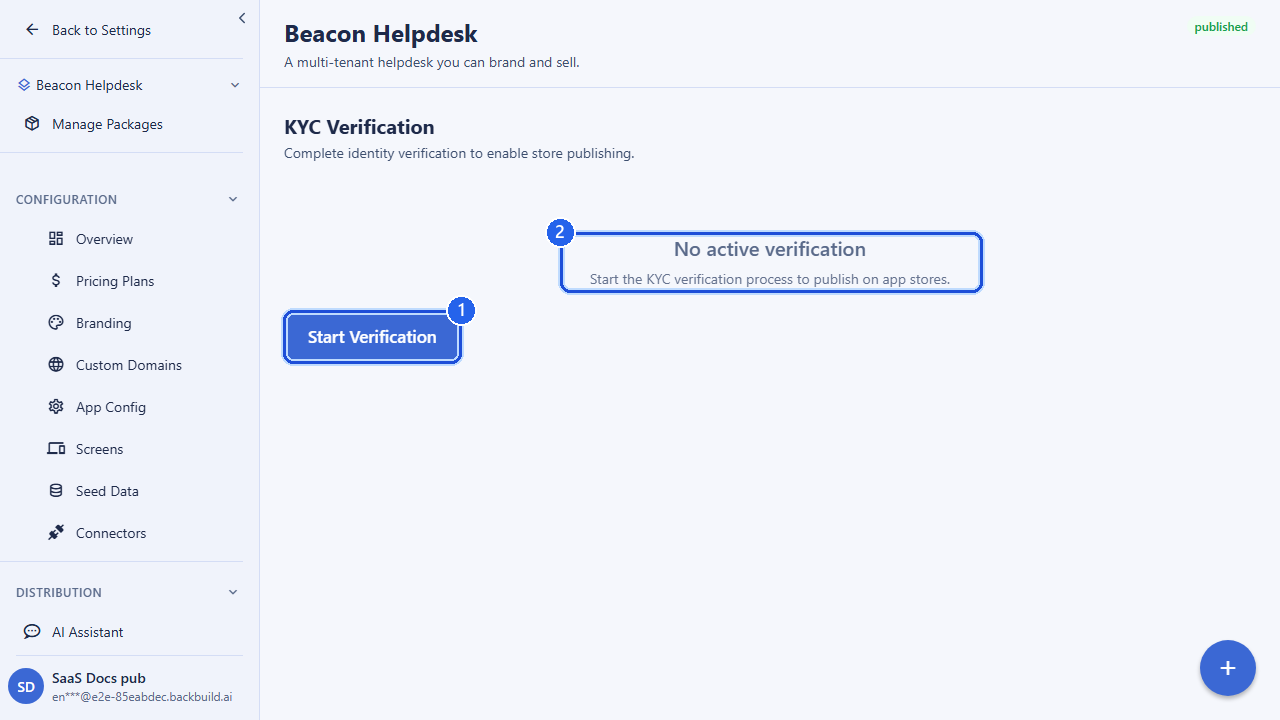
If your product ships as a native app, the major app stores can require identity or business verification (KYC, “know your customer”) before they let you distribute. Backbuild’s store management tracks that requirement per SaaS package, so you can find out what a store expects, kick off a verification session, and check its status, all alongside the rest of your store listing and submission workflow.
Check what a store requires
Before you submit, ask whether KYC is required for a package and what level of verification the target store expects.
GET /v1/store/kyc/requirements?saas_package_id={packageId}
Authorization: Bearer <token>
Start a verification session
Create a KYC session to record a verification against your package. You supply the package, the user being verified, the verification level the store asked for, the provider performing the check, and (when you have one) the provider’s own reference id for the verification.
POST /v1/store/kyc/sessions
Authorization: Bearer <token>
Content-Type: application/json

{
  "saas_package_id": "019d-aaaa...",
  "verified_user_id": "019d-bbbb...",
  "verification_level": "identity",
  "provider": "store_provider",
  "external_verification_id": "ext-12345"
}| Field | Type | Description |
|---|---|---|
saas_package_id | uuid | The package the verification belongs to. |
verified_user_id | uuid | The user whose identity is being verified. |
verification_level | string | The level of verification required (the accepted values depend on the store/provider). |
provider | string | The verification provider performing the check. |
external_verification_id | string | Optional. The provider’s reference id for the verification, so you can reconcile status later. |
Check verification status
GET /v1/store/kyc/status?saas_package_id={packageId}
Authorization: Bearer <token>
KYC sits inside the broader store pipeline: you also run a
pre-submission compliance check that surfaces blocking
issues (missing KYC, age-rating, or policy gaps) before a submission goes to a
store for review. See Store & App
Distribution for the full submission flow and the
POST /v1/store/submissions/compliance-check endpoint.
Eligibility verification (gating who can buy a plan)
Some plans should only be purchasable by buyers who qualify; the classic example is an academic or research tier reserved for verified students and faculty. Backbuild lets you mark a pricing plan as requiring an eligibility check, and then enforces it: a buyer cannot complete a subscription to that plan until they hold a valid, non-expired verification. The check runs server-side at checkout, so hiding or showing a plan in the UI is never the only line of defense; a direct attempt to subscribe to a gated plan without a verification is refused.
The verification lifecycle
A verification moves through clear states. A buyer (or a reviewer on their behalf) starts one, submits supporting details, and a reviewer or provider decides the outcome. Verified status can carry an expiry, after which it must be renewed.
- Start: the buyer initiates verification for themselves. If you use manual review, the request enters your review queue; if you use an integrated provider, the buyer is sent to the provider’s flow.
- Submit: the buyer attaches their institution and role (and, where the provider supports it, evidence).
- Review: a reviewer in your organization approves or rejects, recording a reason on rejection and an expiry on approval.
- Expiry & renewal: an approved verification can expire; the buyer re-verifies to regain access, and dependent subscriptions follow a grace-then-downgrade path if it lapses.
Start a verification
POST /v1/academic-verifications/start
Authorization: Bearer <token>
Content-Type: application/json

{
  "saas_package_id": "019d-aaaa...",
  "provider": "manual_review"
}
A buyer may only start a verification for themselves, and must be an active
member of the organization. Self-submission is rate-limited to prevent abuse.
The provider is optional and defaults to manual review; the
available providers are configured in the SaaS Builder admin.
Submit supporting details
POST /v1/academic-verifications/{verificationId}/submit
Authorization: Bearer <token>
Content-Type: application/json

{
  "institution_name": "Example University",
  "role": "student"
}
role is one of student, faculty,
staff, or researcher. An evidence_url
may be attached only when the chosen provider supports self-uploaded evidence.
Review a verification
Reviewers in your organization list the pending queue and decide each one. Approving sets an expiry; rejecting records a reason.
# List pending / submitted verifications
GET /v1/academic-verifications?status=pending
Authorization: Bearer <token>

# Approve or reject one
POST /v1/academic-verifications/{verificationId}/review
Authorization: Bearer <token>
Content-Type: application/json

{
  "decision": "verified",
  "expires_at": "2027-06-30T00:00:00Z"
}
Use "decision": "rejected" with an optional
rejection_reason to decline. A buyer can read their own
verification, and reviewers can read any verification in their organization,
via GET /v1/academic-verifications/{verificationId}.
Once a buyer holds a verified, non-expired eligibility record, they can subscribe to the gated plan; the checkout flow re-checks eligibility before activating the subscription. To make a plan eligibility-gated in the first place, set its eligibility requirement on the plan; see Pricing Plans.
Approval policies (gating what you ship)
Beyond verifying people, you may want to require sign-off on the changes you make to your product before they go live: a second pair of eyes on a configuration change, or a formal review step for a regulated workflow. Backbuild’s change management lets you group related changes into a changeset, route it for review, and record an approval decision before it is allowed to proceed. This is how you implement an approval policy: changes are proposed, reviewed, and only then released.
Group changes into a changeset
POST /v1/change-mgmt/changesets
Authorization: Bearer <token>
Content-Type: application/json

{
  "title": "Q3 pricing update",
  "description": "New business tier and adjusted limits",
  "changeset_type": "config",
  "priority": "high"
}
changeset_type is one of feature,
bugfix, hotfix, refactor, or
config; priority is low,
normal, high, or critical. You then add
the individual changes the set contains:
POST /v1/change-mgmt/changesets/{changesetId}/changes
Authorization: Bearer <token>
Content-Type: application/json

{
  "change_type": "update",
  "resource_type": "pricing_plan",
  "before_state": { ... },
  "after_state": { ... }
}
Record an approval decision
A reviewer records their decision against the changeset. The decision is part of the audit trail and governs whether the change is allowed to move forward. A changeset’s status moves through review via dedicated submit, approve, and reject steps; it cannot be flipped directly through a content edit, which keeps the review trail honest (separation of duties).
POST /v1/change-mgmt/approvals
Authorization: Bearer <token>
Content-Type: application/json

{
  "changeset_id": "019d-aaaa...",
  "decision": "approve",
  "comment": "Reviewed limits and Stripe sync; good to ship.",
  "conditions": ["Announce to existing tenants before release"]
}| Field | Type | Description |
|---|---|---|
changeset_id | uuid | The changeset being decided. |
decision | string | approve, reject, or request_changes. |
comment | string | Optional reviewer note, recorded with the decision. |
conditions | string[] | Optional conditions attached to the approval. |
Whether an approval is required before a given change ships (and how many approvals, from whom) is set as policy in the SaaS Builder admin rather than per request. For changes that promote into protected environments, releases additionally pass through environment promotion gates; see Releases.
Audit trail
Every verification decision and every approval is recorded with who acted, when, and the outcome, so you can demonstrate that a gated plan was only ever sold to verified buyers and that shipped changes were reviewed. This is designed to support the compliance evidence regulated builders need.
API reference
All endpoints below require an authenticated session; the owning organization is resolved from your session.
App-store KYC
| Method & path | Description |
|---|---|
GET /v1/store/kyc/requirements?saas_package_id=… | Check whether KYC is required for a package and at what level. |
POST /v1/store/kyc/sessions | Create a KYC verification session for a package. Returns 201 Created. |
GET /v1/store/kyc/status?saas_package_id=… | Get the current KYC verification status for a package. |
POST /v1/store/submissions/compliance-check | Run a pre-submission compliance check (includes KYC, age-rating, and policy gaps). |
Eligibility verification
| Method & path | Description |
|---|---|
POST /v1/academic-verifications/start | Start a self-service verification (rate-limited; subject must be the caller). |
POST /v1/academic-verifications/{verificationId}/submit | Attach institution, role, and (where supported) evidence. |
GET /v1/academic-verifications | List pending / submitted verifications (reviewers). |
GET /v1/academic-verifications/{verificationId} | Read a single verification (own, or any in-org for reviewers). |
POST /v1/academic-verifications/{verificationId}/review | Approve (sets expiry) or reject (records reason) a verification. |
Approval policies
| Method & path | Description |
|---|---|
GET /v1/change-mgmt/changesets | List changesets (filter by status, type, project, search). |
POST /v1/change-mgmt/changesets | Create a changeset. Returns 201 Created. |
GET /v1/change-mgmt/changesets/{changesetId} | Get a changeset. |
PUT /v1/change-mgmt/changesets/{changesetId} | Edit changeset content (title, description). Status changes use the submit / approve / reject flow, not this endpoint. |
GET /v1/change-mgmt/changesets/{changesetId}/changes | List the changes in a changeset. |
POST /v1/change-mgmt/changesets/{changesetId}/changes | Add a change to a changeset. Returns 201 Created. |
GET /v1/change-mgmt/approvals | List approval decisions (filter by changeset and decision). |
POST /v1/change-mgmt/approvals | Record an approval decision. Returns 201 Created. |
Related
- Store & App Distribution: the full app-store submission and compliance pipeline
- Pricing Plans: mark a plan as eligibility-gated
- Releases: environment promotion gates for shipping changes
Frequently asked questions
- Can I require verification before someone buys a specific plan?
- Yes. Eligibility verification is enforced at checkout for eligibility-gated plans, so a buyer must be verified before the gated plan activates.
- What happens if a verification lapses?
- A grace period applies, after which an unrenewed subscriber is downgraded rather than cut off abruptly.
- Who can start a verification?
- A member starts verification for themselves as an active member, and starts are rate-limited.
- Do approval policies prevent someone approving their own change?
- Yes. Separation of duties is enforced: an approver cannot approve their own request.