

Xero alternative: Backbuild Finances vs Xero
Xero is a dedicated cloud accounting product; on the Backbuild side that job is done by Backbuild Finances, the double-entry books built into the Backbuild workspace, together with the AI assistant, a full public REST API and HMAC-signed webhooks, entities and views for finance-adjacent data, per-organization roles and audit logging, and the rest of the all-in-one workspace. Xero still leads today on unlimited users at a flat plan price, mature automated bank feeds across thousands of banks, its large app marketplace and established accountant network, multi-currency depth, native mobile apps, and managed payroll through Gusto.
The short answer
Backbuild Finances keeps real double-entry books inside the all-in-one Backbuild workspace at no separate cost; Xero is the established, dedicated cloud accounting product with unlimited users, mature bank feeds, and a large marketplace. Choose Backbuild Finances if you want real daily books, invoicing, bills, bank reconciliation, budgets, job costing, and statements free and inside an all-in-one workspace, with a full public REST API, webhooks, and no separate accounting subscription. Choose Xero if your first requirement is unlimited users at a flat price, automated feeds across thousands of banks, managed payroll that files your taxes, an accountant who already lives in Xero and a large app marketplace, native mobile apps, or deeper multi-currency for international selling. Backbuild records payroll and tracks sales tax but files neither, imports bank transactions while broad live feeds roll out, and does not yet take payments online through a pay-by-link.
Backbuild Finances vs Xero: feature by feature
Xero has no free plan; its Early plan is $25 a month and caps invoices and bills, and unlimited invoicing starts on Growing at $55. Every Xero plan includes unlimited users. Prices below are from Xero's own pricing and dated third-party coverage, observed 2026-07-18. The highlighted column is Backbuild Finances.
| Backbuild Finances Real double-entry books inside the all-in-one workspace In the workspace on every plan, including Free (core books plus 5 invoices/mo). Unlimited invoicing, sales-tax tracking, and Stripe come with paid tiers from $19/seat/mo. Get Started Free | Xero The established cloud accounting product, priced per plan with unlimited users Early $25/mo (caps 20 invoices, 5 bills); Growing $55/mo (unlimited); Established $90/mo (adds multi-currency, Projects, Expenses). Unlimited users on every plan. Managed payroll is a separate Gusto add-on. Prices effective March 1 2026. | |
|---|---|---|
| Price and cost model | ||
| Free plan | Trial only, no free tier | |
| Starting price for full double-entry books | Included, free | $25/mo, capped invoicing |
| Accounting is a separate subscription | No, in the workspace | Yes, per plan |
| Unlimited users at no per-seat fee | Free plan books; paid tiers per seat | Unlimited on every plan |
| Core accounting | ||
| Double-entry general ledger and chart of accounts | ||
| Journal entries | ||
| Invoicing and accounts receivable | 5/mo free, unlimited on paid | 20/mo on Early, unlimited on Growing |
| Bills and expenses (accounts payable) | Every plan | 5/mo on Early, unlimited on Growing |
| Bank reconciliation | ||
| Profit and loss, balance sheet, trial balance | ||
| 1099 contractor tracking and report | ||
| Budgets and budget-versus-actual | Every plan | |
| Classes, locations, and tracking categories | Every plan | |
| Time and mileage tracking and job costing | Every plan, free | Projects on Established, $90 |
| Fixed assets and depreciation | Every plan | |
| Bank feeds and capture | ||
| Automated live bank feeds across thousands of banks | Import now, live feeds rolling out | |
| Bank rules to auto-categorize transactions | ||
| Receipt and bill capture | AI doc extract, drafts for review | Hubdoc, all plans |
| Payroll and tax filing (regulated) | ||
| Record payroll to the books | ||
| Files and pays your payroll taxes for you | Gusto add-on, extra | |
| Sales-tax tracking and liability report | Paid tiers | |
| Automatic sales-tax rates by address and filing Soon | On the roadmap | Avalara integration |
| Getting paid and depth | ||
| Take a customer payment online with a pay-by-link Soon | On the roadmap | Stripe and GoCardless |
| Connect Stripe to record payments | Paid tiers | |
| Estimates, quotes, and purchase orders | ||
| Inventory tracking Soon | On the roadmap | Basic, all plans |
| Multi-currency and international selling Soon | Records foreign currency, depth on the roadmap | Established, $90 |
| Multi-entity accounting and consolidation Soon | On the roadmap | Separate subscription per entity |
| Automation, API, and AI | ||
| Full public REST API for the books | Accounting API | |
| HMAC-signed outbound webhooks with a delivery log | ||
| Entities, views, and automations for finance-adjacent data | Every plan | Standalone accounting |
| AI reads receipts and statements but never auto-posts | Hubdoc capture | |
| Security, identity, and governance | ||
| Per-organization roles and audit logging | Every plan | Role-based, per organization |
| Single sign-on with a tamper-evident audit log | Every plan | Not on standard plans |
| Multi-factor authentication | Mandatory | |
| Data isolated per organization | Per organization | |
| Encrypted vault for tax IDs and secrets | Not offered | |
| Ecosystem, accountants, and trust | ||
| Accountant or bookkeeper already knows it | Newer, no advisor network | Incumbent, advisor network |
| Large third-party app marketplace | REST API, webhooks, connectors | 1,000-plus apps |
| Native mobile apps (iOS and Android) Soon | Native desktop today, mobile coming soon | |
| Established global base and track record | Newer product | 180-plus countries |
| Workspace apps that ride along | ||
| Email at your own domain (Backbuild Mail) | Standalone accounting | |
| Team chat (Backbuild Chat) Soon | On the roadmap | Standalone accounting |
| Meetings and video (Backbuild Meetings) Soon | On the roadmap | Standalone accounting |
| Calendar (Backbuild Calendar) | Standalone accounting | |
| Contacts (Backbuild Contacts) | Customers and vendors only | |
| Documents (Backbuild Docs) | Standalone accounting | |
| Spreadsheets (Backbuild Sheets) | Report export only | |
| Presentations (Backbuild Slides) | Standalone accounting | |
| Diagrams (Backbuild Diagrams) Soon | On the roadmap | Standalone accounting |
| Photos and the photo editor (Backbuild Photos) | Receipt images only | |
| Training-video studio (Backbuild Studio) | Standalone accounting | |
| Video, audio, and music editors Soon | Authoring preview | Standalone accounting |
| Files and storage (Backbuild Files) | Attachments only | |
| Help desk and support tickets (Backbuild Helpdesk) | 20/mo free, unlimited on paid | Standalone accounting |
| Encrypted password and secrets vault (Backbuild Secrets) | Not offered | |
A cross means the tool does not offer the feature today. Xero prices, plans, and features are quoted from Xero pricing, the Xero developer platform, the Xero partner program, and dated coverage at Costbench, SaaS CRM Review, and Digi-Tools, observed 2026-07-18. Backbuild capabilities are cited to the Backbuild Finances documentation, the API reference, the webhooks documentation, and the pricing page; rows marked Soon are on the Backbuild roadmap, not shipped.
Same books, different business model
Xero is a mature standard for cloud accounting, and it is very good at it: automated bank feeds across thousands of banks, unlimited users on every plan, a marketplace of more than a thousand apps, and a free advisor network across more than 180 countries. It is also a separate subscription that caps invoices and bills on its Early plan and gates Projects, Expenses, and multi-currency to its $90 Established tier. Backbuild Finances keeps the same core books, real double-entry accounting, invoicing, bills, reconciliation, budgets, job costing, and statements, but free and inside the all-in-one workspace you already use for the rest of your work. Where you need unlimited users at a flat price, automated feeds from any bank, managed tax filing, or an established accountant ecosystem, Xero leads. Where you want real daily books at no separate cost with a public API, webhooks, and per-organization governance, Backbuild is the stronger value; it records payroll and tracks sales tax but files neither.
Where Xero wins today
Xero is a category leader, and several of its strengths are things Backbuild Finances does not do today.
Unlimited users at a flat price
Xero includes unlimited users on every plan at a fixed monthly price, so adding staff, a bookkeeper, or an advisor never raises the bill. Backbuild Finances is free on the Free plan, but the paid workspace tiers that unlock unlimited invoicing are priced per seat. For a large team that only wants accounting logins at a predictable cost, Xero is genuinely cheaper.
Mature automated bank feeds
Xero pulls transactions automatically from thousands of banks on a daily feed, so reconciliation starts from data that is already in the ledger. Backbuild imports transactions from a file or through two live-feed providers and auto-categorizes them with bank rules, but broad automated feeds are still rolling out. For hands-off bank sync from day one, Xero is ahead.
The marketplace and accountant network
Xero has a marketplace of more than a thousand apps and a free advisor and partner network across more than 180 countries, with a practice dashboard for firms managing many clients. Backbuild answers the integration side with a REST API, webhooks, and connectors, but it does not carry that catalog breadth or that established network.
Multi-currency, mobile, and managed payroll
Xero offers multi-currency for international selling on its Established tier, mature native mobile apps, and managed US payroll through Gusto that files and pays taxes. Backbuild records foreign-currency transactions and revalues them but does not match Xero's international depth, its mobile apps are still coming soon, and it records payroll without filing it. For those needs today, Xero is more complete.
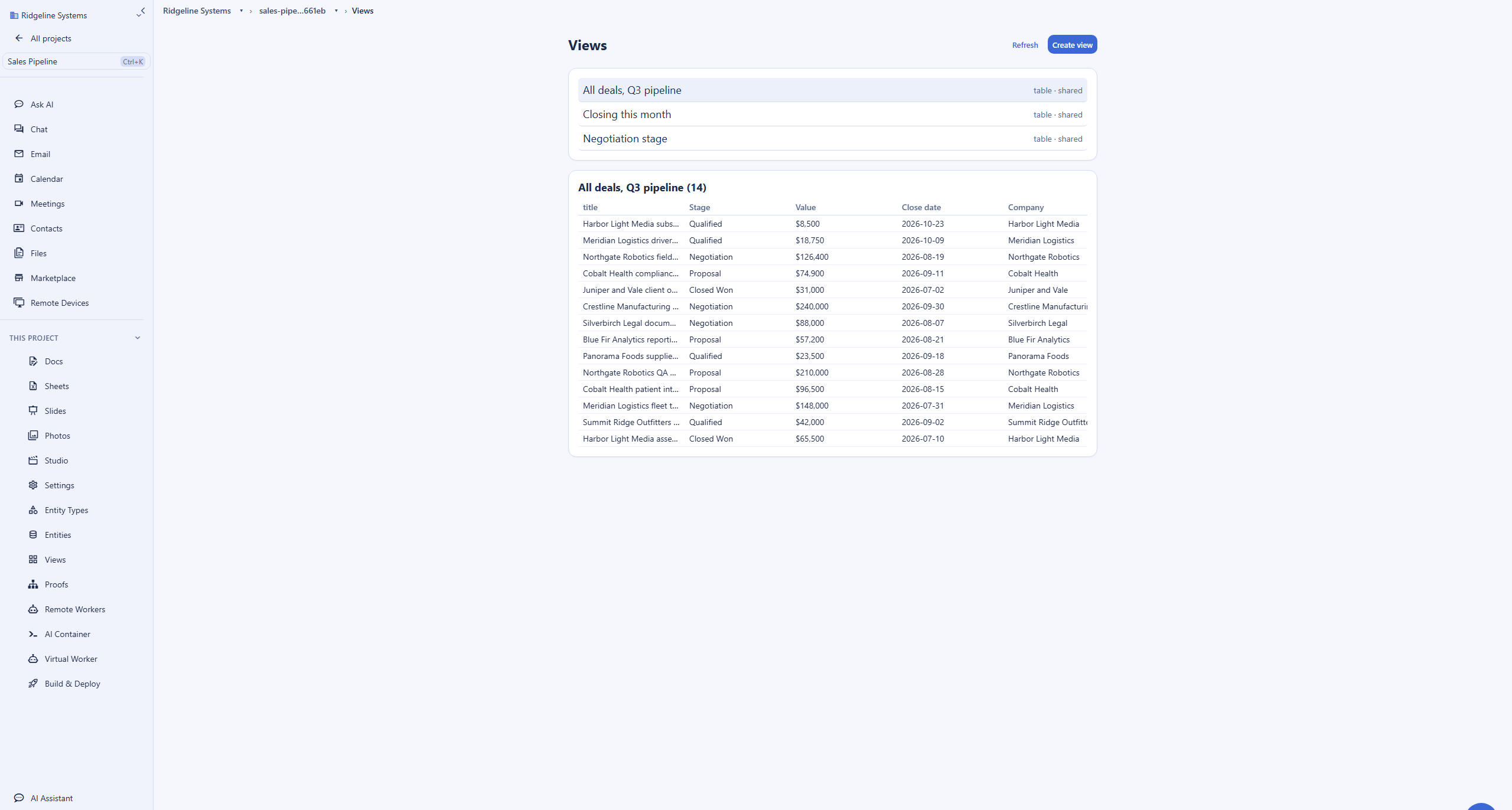
Common Xero frustrations and how Backbuild Finances addresses them
Prices that keep climbing
A frequent Xero complaint is that prices keep rising while the product feels the same, and Xero raised its US plans to $25, $55, and $90 effective March 1 2026. Backbuild Finances is part of the workspace, not a separate accounting subscription that grows on its own schedule.
Caps and features on higher tiers
Xero's Early plan caps you at 20 invoices and 5 bills a month and gates Projects and Expenses to the $90 Established tier, so growing usually means an upgrade. Backbuild includes double-entry accounting, bills, payroll recording, bank reconciliation, budgets, and time and job costing on every plan, including Free, with unlimited invoicing on paid tiers from $19 a seat.
Hard to use if you are not an accountant
Reviewers note a learning curve and a cluttered dashboard for non-accountants. Backbuild pairs the same rigorous ledger with an AI assistant that reads a receipt or statement and drafts the entries for your review, so you are guided rather than left to know the accounting yourself.
Another silo away from your work
Xero is a standalone product separate from where you write, email, and store files. Backbuild Finances lives in the same all-in-one workspace as the rest of your work, so the customer you invoice and the customer you email are one record.
Which tool wins, by use case
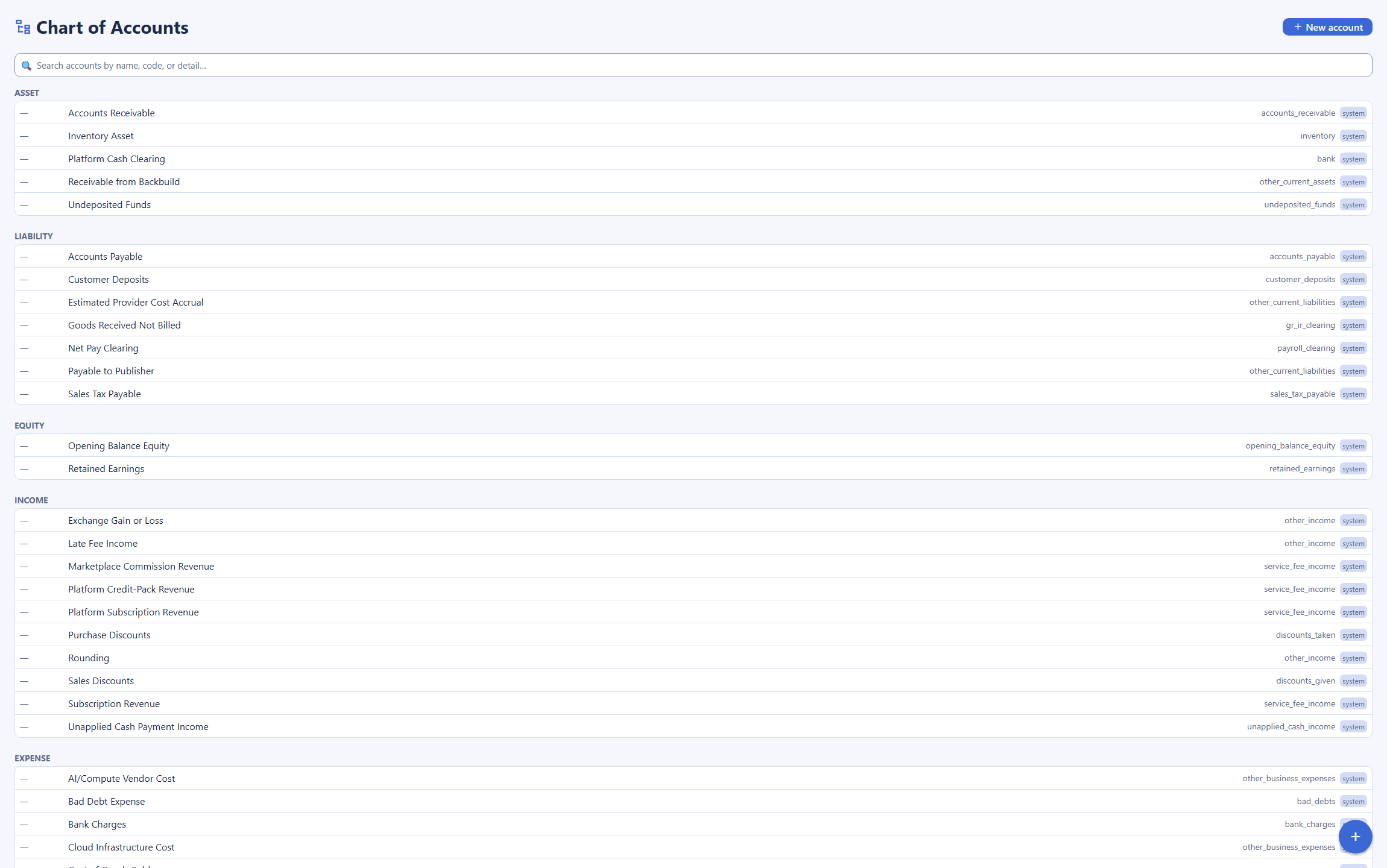
Small businesses running their full books
For a small business keeping complete books, chart of accounts, invoicing and receivables, bills and payables, bank reconciliation, budgets, and monthly statements, both tools do the job. Backbuild includes all of it on every plan, with bills, reconciliation, budgets, and job costing free, where Xero caps invoices and bills on Early at $25 and moves you to Growing at $55 for unlimited. The deciding factors are the extras: if you need automated feeds from every bank, managed payroll-tax filing, or unlimited users at a flat price, Xero does those and Backbuild does not.
Freelancers and sole proprietors, including international
For a freelancer who mostly needs to invoice, track expenses, and see a simple profit picture, Backbuild Finances covers it free: real books, invoices, expense tracking, and statements without a monthly accounting bill, inside the workspace you already use to write and email clients. Xero serves this segment with Early at $25 a month, though it caps invoices at 20, and it adds multi-currency on its Established tier for freelancers billing overseas clients. Backbuild records foreign-currency transactions but does not match that international depth today.
Agencies and larger teams that want many users
For an agency or a growing company where many people need to see or touch the books, the cost of users decides a lot. Xero's clearest advantage is that every plan includes unlimited users at a flat price, so a twenty-person team pays the same plan fee as a two-person team. Backbuild Finances is free on the Free plan, but the paid workspace tiers are priced per seat from $19 a month, which for a large accounting-only team costs more than a single flat Xero plan. Backbuild's counter is that those seats buy the whole workspace, not only the books, so a team consolidating email, documents, and accounting is comparing more than a ledger.
Businesses that work with a bookkeeper or accountant
When a bookkeeper or accountant runs your books, the tool they already use carries real weight. Xero has a large, free advisor network across more than 180 countries and a practice dashboard built for managing many client files. Backbuild supports a bookkeeper through per-organization roles and an audit trail, but it does not have that established ecosystem, and it does not yet file payroll or sales taxes. For a practice standardized on Xero, switching has a real cost.
Product and inventory businesses
A business tracking stock and cost of goods needs real inventory. Xero provides basic inventory tracking on every plan and integrates with specialist inventory apps from its marketplace. Backbuild's inventory is on the roadmap, not shipped, so for a product business managing stock today, Backbuild does not fit yet.
Teams who want their books without another subscription
For a team already choosing an all-in-one workspace, the cost model matters. Backbuild Finances is part of the workspace on every plan, so a document, an email, an invoice, and the ledger are one product, and the accounting is not a separate subscription that rises on its own schedule. The whole of the books is also drivable over a public REST API with HMAC-signed webhooks, so a script or an AI agent working through governed tools can raise invoices, pull reports, and react to events. Xero is a strong, complete accounting product, but it is a standalone one, priced and upgraded on its own.
How the two products compare for each part of the decision
The economics of the two products
The clearest difference is the cost model, and it cuts both ways. Xero sells accounting as its own subscription, priced by plan but with unlimited users at every tier: Early at $25 a month with capped invoicing, Growing at $55 for unlimited, and Established at $90 for multi-currency, Projects, and Expenses, with managed payroll a further Gusto-powered add-on. The practical effect is that the plan price is flat as you add people, which is a real advantage for a larger team, and it climbs only when you need a feature that sits in a higher tier.
Backbuild Finances is not a separate line item at all: the books are part of the workspace on every plan, including Free, and the paid tiers that add unlimited invoicing, sales-tax tracking, and Stripe start at $19 a seat a month. For a small team, or one weighing the total of an accounting subscription plus the other tools it runs, the consolidation is the saving. The counterweight is genuine: because Backbuild's paid tiers are per seat, a large team that only wants accounting logins can be cheaper on Xero's flat, unlimited-user plan, and Xero includes managed tax filing that Backbuild does not.
Bottom line: for a small team or a consolidation play, Backbuild is materially cheaper because the books are bundled rather than billed separately. Xero earns its price for a large accounting-only team through unlimited users at a flat rate and managed tax filing.
Data governance and access control
For anyone responsible for who can see and change the books, the two products take different shapes. Backbuild scopes financial data to your organization and isolates it from every other organization on the platform, and access is governed by the same per-organization roles and permissions as the rest of the workspace, so who can view, create, or administer the books is a policy you set. Every write is recorded in an append-only audit trail, single sign-on with a tamper-evident log is on every plan, and sensitive identifiers such as a tax ID sit in an encrypted vault revealed only to those you authorize. The AI assistant reaches the books through governed tools rather than raw database access, which keeps the same controls in force when a person asks it to draft an entry.
Xero handles this in its own way: it enforces mandatory multi-factor authentication on every account, offers role-based user permissions and an audit history per organization, and single sign-on is not a standard-plan feature the way Backbuild ships it. Against that, Xero brings something Backbuild cannot yet claim: it is a mature, widely used platform with a long, externally examined track record, which is itself a form of assurance for a cautious evaluator.
Bottom line: Backbuild offers finer-grained org-scoped controls, an encrypted vault, and single sign-on on every plan, where Xero centers on mandatory multi-factor authentication and role permissions. Xero counters with the reassurance of a long, established operating history.
Working with an accountant or bookkeeper
The ledger under both products is a real double-entry system, so a professional can keep proper books in either. What differs is the surrounding ecosystem. Xero built its business on the advisor channel: it has a free partner program, a certification path, and a practice dashboard used by firms across more than 180 countries, and accountant access does not count against a user limit because there is no user limit. That reach is a genuine advantage: a practice can pick up a Xero file without training, and specialist apps plug into it.
Backbuild gives a bookkeeper the same double-entry ledger with role-based access and an audit trail, and the whole of the books is drivable over a public REST API with webhooks for firms that build their own tooling. What it does not have is the established install base, the certified-advisor network, or managed payroll and sales-tax filing, and those are real reasons a firm standardized on Xero would hesitate to switch.
Bottom line: if your accountant lives in Xero and relies on its network and managed tax filing, that is a strong reason to stay. If you keep the books yourself, or your advisor is willing to work in a modern ledger with an API, Backbuild is a capable, lower-cost home for them.
A business owner keeping the books day to day
For an owner doing the books themselves, the daily experience turns on how much accounting knowledge the tool assumes. Xero is widely praised for an intuitive interface and a bank reconciliation that suggests matches well, though non-accountants still report a learning curve. Backbuild pairs the same rigorous ledger with an AI assistant that reads a receipt or a bank statement and drafts the entries, and because nothing posts until the owner approves it, the guidance never becomes an unreviewed automation. Budgets, classes, and time and job costing are included, so an owner can plan and segment without an upgrade.
Where Xero pulls ahead for this reader is the things an owner does not want to run alone: automated bank feeds that keep the ledger current and managed payroll that files and pays the taxes. Those remove work an owner would otherwise carry, and Backbuild does not do them fully today.
Bottom line: Backbuild suits an owner who wants guided, low-cost books inside one workspace. Xero suits an owner who would rather pay to have bank feeds and payroll taxes handled for them.
Building on the accounting API
For a developer wiring accounting into other systems, both products expose real programmatic surfaces. Xero has a well-regarded Accounting API with OAuth 2.0, official SDKs, and webhooks, and its marketplace of more than a thousand apps is the larger prebuilt ecosystem by a wide margin. If you want a connector that already exists, Xero is more likely to have it.
Backbuild answers with a full public REST API that drives the whole of the books, the same way it drives the rest of the platform, plus HMAC-signed outbound webhooks with a delivery log and zero-downtime secret rotation. The honest limit to state is on the AI side: Backbuild has no dedicated finance tool namespace on its Model Context Protocol surface today, so an AI agent operates the books through the general MCP surface and the REST API rather than a finance-specific tool set. For custom integrations and agent-driven bookkeeping under governed tools, the API and webhooks are there; for reaching an existing catalog of third-party apps, Xero's marketplace is deeper.
Bottom line: both give builders a real API and webhooks. Xero wins on the breadth of its prebuilt app marketplace; Backbuild wins when you want one API and one governance model across accounting and the rest of the workspace.
Strategic fit and vendor risk
Read at the level of a longer-term commitment, the two products present opposite risk profiles. Xero is a proven standard: an established accounting product with a global base, a deep marketplace, and an advisor network, and its risk is mostly cost, the climbing per-plan pricing, plus the lock-in of a tool the market builds around. Backbuild is the newer entrant: it consolidates the books into one governed workspace at no separate cost, with a public API, webhooks, and per-organization controls, and its risk is the mirror image, a shorter track record and gaps in managed tax filing, automated feeds, multi-currency depth, and native mobile apps that it lists on its roadmap.
Bottom line: Xero is the lower-risk choice for a business that needs a complete, established accounting product today, with unlimited users and managed tax services, and will pay for it. Backbuild is the stronger strategic fit for a team consolidating tools that values one workspace, an API, and a lower cost base, and can accept a newer product with a stated roadmap.
Frequently asked questions
Is there a free alternative to Xero?
Yes. Backbuild Finances is part of the Backbuild workspace on every plan, including the Free plan, so your daily books cost nothing on their own. The Free plan includes real double-entry accounting, bills and expenses, payroll recording, bank reconciliation, budgets, time and mileage tracking, job costing, and financial statements, plus up to five invoices a month; unlimited invoicing, sales-tax tracking, and connecting Stripe to record payments come with the paid workspace tiers. Xero has no free plan: its Early plan is $25 a month and caps you at 20 invoices and 5 bills a month, and its unlimited-invoice Growing plan is $55. If your goal is real double-entry books without a separate accounting subscription, Backbuild is a strong fit. If your goal is a service that files and pays your payroll taxes, unlimited users at a flat price, or automated feeds across thousands of banks, Xero leads and Backbuild does not match all of it today.
Is Backbuild Finances a cheaper alternative to Xero?
For the bookkeeping itself, yes, because it is included in the workspace rather than sold as its own subscription. Xero lists Early at $25 a month, Growing at $55, and Established at $90, effective March 1 2026, with managed payroll a separate Gusto-powered add-on on top. Backbuild Finances is part of the Free plan and the paid workspace tiers, which start at $19 a seat a month, so the accounting is not a separate line item. The important caveat runs the other way: Xero includes unlimited users at each flat plan price, so a large team that only needs accounting can be cheaper on Xero than on a per-seat workspace, and Xero files payroll taxes through its Gusto add-on where Backbuild does not. A team comparing the two is weighing more than the sticker price.
Does Backbuild have unlimited users like Xero?
Not in the same way, and this is one of Xero’s clearest advantages. Xero includes unlimited users on every plan at a flat price, so adding people does not raise the bill. Backbuild Finances is free on the Free plan, and the paid workspace tiers that unlock unlimited invoicing and sales-tax tracking are priced per seat from $19 a month. For a small team keeping books on the Free plan the difference does not bite, but for a large accounting-only team that wants many logins at a fixed cost, Xero’s unlimited-user model is genuinely cheaper, and that is a fair reason to choose it.
Does Backbuild do real double-entry accounting like Xero?
Yes. Backbuild Finances is a genuine double-entry system, not a single-column expense tracker. You get a chart of accounts, a general ledger that every transaction posts to, and journal entries you can write and reverse. Invoices, bills, and payments each post a balanced entry behind the scenes, so debits and credits always agree and your profit-and-loss, balance sheet, and trial balance reconcile to the ledger. It also carries budgets, classes and locations, and time, mileage, and job costing, so a single set of books can plan against a budget and report by segment. It gives you the same core books an accountant expects from Xero.
Can Backbuild connect to my bank automatically like Xero?
Partly. Xero has mature automated bank feeds that pull transactions daily from thousands of banks, and this is one of its strongest features. Backbuild Finances imports bank transactions today, from a file or through two live-feed providers, and its bank rules auto-categorize them, but broad automated feeds across thousands of banks are still rolling out. For a business that wants every account to sync automatically the day it signs up, Xero is ahead. For a business that reconciles from imported statements, Backbuild does the job now.
Can Backbuild file my payroll and sales taxes like Xero?
No, and this is an important difference. Backbuild Finances records payroll: it calculates a pay run, including employee and employer tax amounts, and posts a balanced entry to your ledger so payroll appears correctly in your books. It does not file or pay your payroll taxes for you. On sales tax, it tracks the tax you charge and owe and produces a liability report, but automatic rate determination by address and automated filing are not part of it today. Xero offers managed US payroll through its Gusto partnership, which files and pays payroll taxes, and automated sales tax through Avalara. If managed tax filing is your requirement, Xero wins and Backbuild is not a substitute.
Can my accountant or bookkeeper use Backbuild Finances?
They can work in it through per-organization roles, so you can give a bookkeeper the access they need and keep an audit trail of what changed. The difference is ecosystem, not the ledger itself: Xero has a large, free advisor and partner network across more than 180 countries and a practice dashboard built for firms managing many client books, and Backbuild is a newer product without that established network. If your accountant insists on the tool they already use every day, that is a real reason to weigh Xero.
Does Backbuild have an API and webhooks like Xero?
Yes. The whole of Backbuild Finances is drivable over a public REST API, the same way the rest of the Backbuild platform is, so a script, an integration, or an AI agent working through governed tools can create accounts, post journal entries, raise invoices, and pull reports. Backbuild also delivers HMAC-signed outbound webhooks with a delivery log and zero-downtime secret rotation, so your systems can react to finance events without polling. Xero has a well-regarded developer API, webhooks, and official SDKs too, and its app marketplace is far larger. Where Backbuild differs is that it has no dedicated finance tool namespace on its Model Context Protocol surface today: an AI agent drives the books through the general MCP surface and the REST API, not a finance-specific tool set.
What can Backbuild Finances do that Xero cannot?
Three things stand out. First, the books are free and included: real double-entry accounting, bills, payroll recording, bank reconciliation, budgets, and time and job costing are part of the workspace on every plan, where Xero charges a separate subscription and gates Projects and Expenses to its $90 Established tier. Second, the accounting lives inside an all-in-one workspace that spans Mail, Chat, Meetings, Calendar, Contacts, Docs, Sheets, Slides, Diagrams, Photos, the photo, video, training-video, audio, and music editors, Files, the help desk, and an encrypted secrets vault, so your invoices and the contacts you bill are the same records, not a separate silo. Third, single sign-on, per-organization roles, and a tamper-evident audit log are on every plan, and the AI assistant drafts entries from a receipt but never posts without your review. Xero is the more established accounting product, with unlimited users, mature bank feeds, a large marketplace, and managed payroll; Backbuild is the better fit for real daily books inside a wider workspace at no separate cost.
Try Backbuild Finances free
Keep real double-entry books, invoicing, bills, bank reconciliation, budgets, job costing, and financial statements inside an all-in-one workspace, free on every plan, with a public REST API, HMAC-signed webhooks, and an AI assistant that drafts entries from a receipt and never posts without your review. If your first requirement is unlimited users at a flat price, automated bank feeds across thousands of banks, managed payroll, an accountant who already lives in Xero, or deeper multi-currency, Xero is the stronger choice today.
Get started free